Agentic AI Workflows for Website Builders: Practical Uses and Safety
in Agentic AI, AI Models, Automation & Workflows, Vibe Coding, Website Building on August 28, 2026Agentic AI systems can plan and perform multi-step work with tools, but useful autonomy requires clear boundaries, reliable data and human approval for sensitive actions. Website builders can use agents for research, content operations, quality assurance and routine maintenance without handing over unrestricted control.
Beginner visual action plan
The steps below turn the main advice into a simple process you can follow. Complete one step, check the expected result, and only then continue.
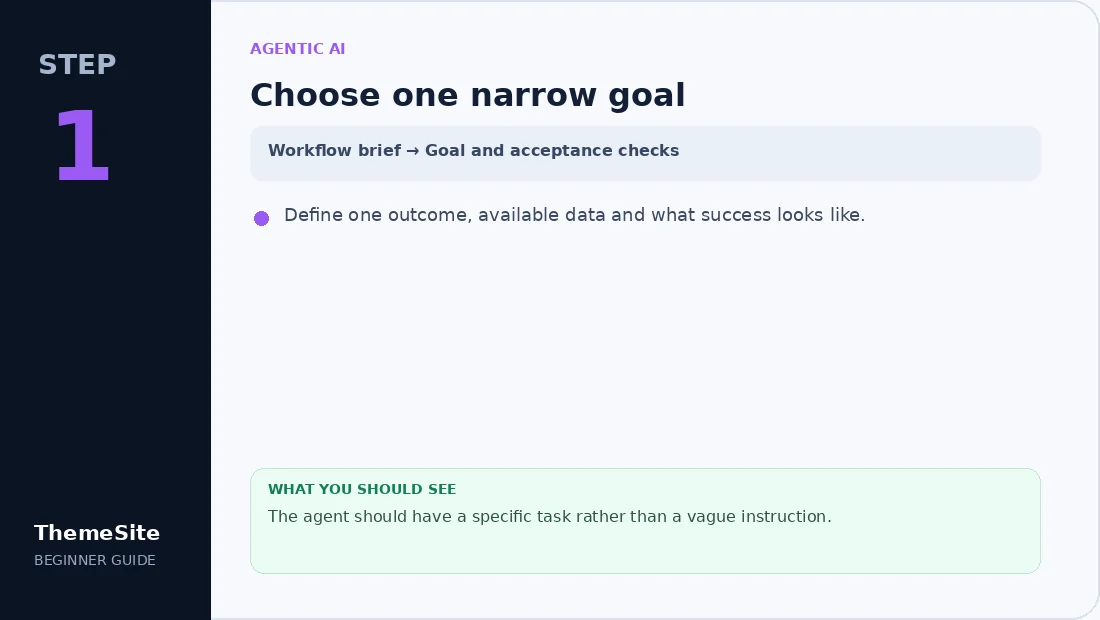
Step 1: Choose one narrow goal
Define one outcome, available data and what success looks like.
Step 2: Limit tools and permissions
Grant read-only access first and add only the tools required for the workflow.

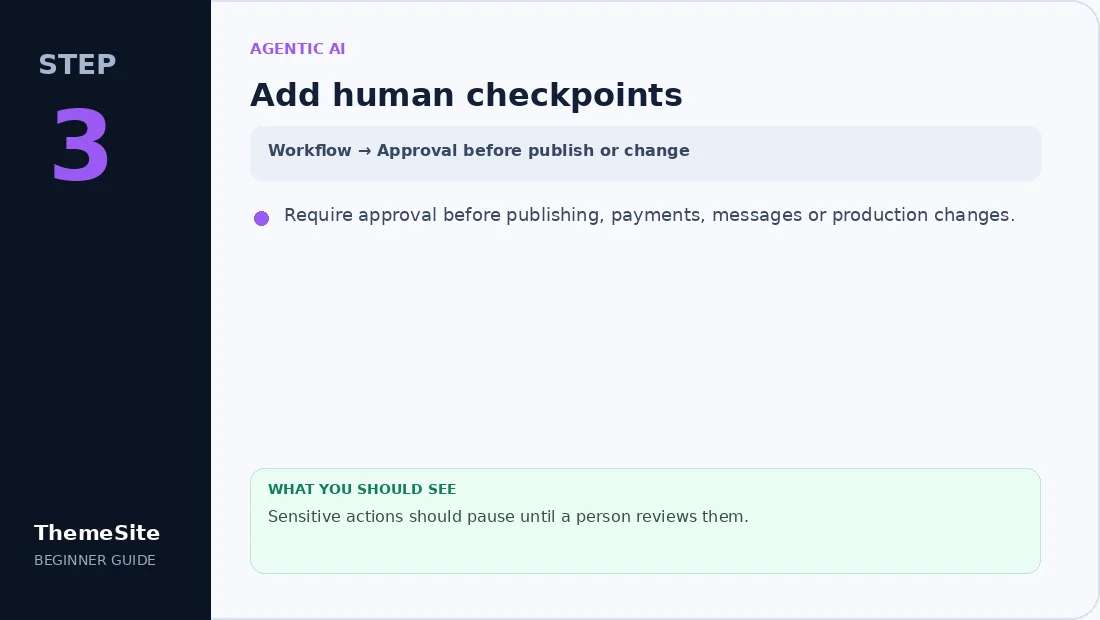
Step 3: Add human checkpoints
Require approval before publishing, payments, messages or production changes.
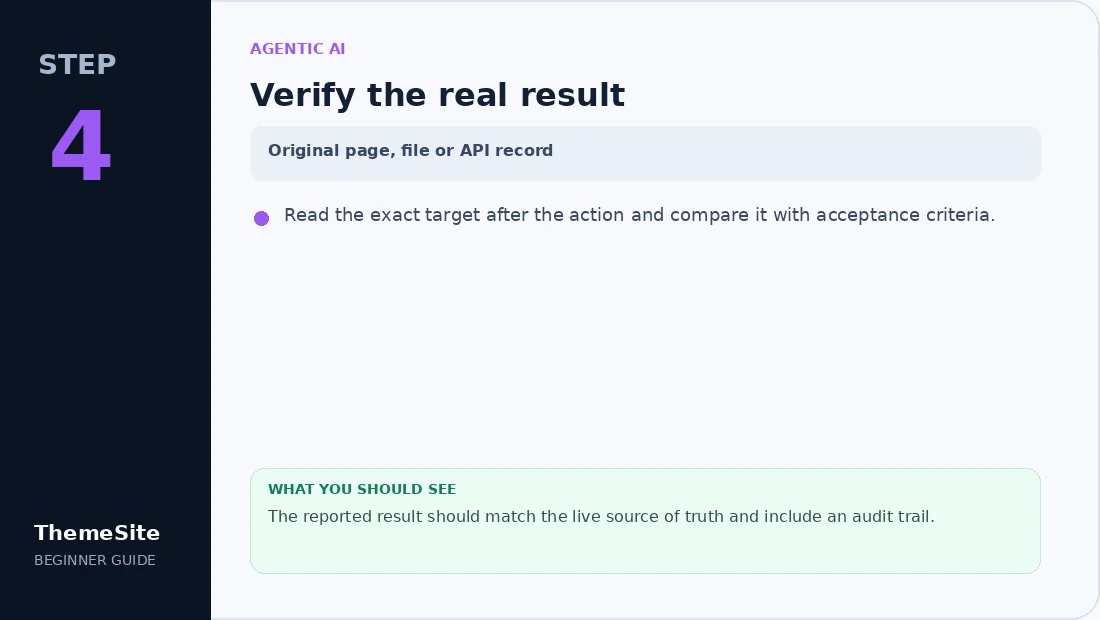
Step 4: Verify the real result
Read the exact target after the action and compare it with acceptance criteria.
Agentic AI versus simple automation
A traditional automation follows a fixed sequence. An agent can choose among tools and adapt the next step based on results. That flexibility is valuable, but it also creates more ways to drift from the intended goal.
Useful workflows for website teams
- Research topics and organize source links.
- Draft content briefs and internal-link suggestions.
- Check pages for missing images, broken links and inconsistent metadata.
- Compare staging and production configurations.
- Triage support requests before human review.
- Prepare product data for an administrator to approve.
Design a safe tool boundary
Give the agent only the tools required for the task. Reading pages, searching files and drafting content can be low risk; payments, passwords, publishing and production changes need stronger approval and logging.
Use human checkpoints
Require review before a post is published, a plugin is activated, a database record is changed or a customer message is sent. The agent should report uncertainty and preserve identifiers rather than inventing missing values.
A starter agentic workflow
- Receive a specific goal and acceptance criteria.
- Inspect the current source of truth.
- Plan a short sequence of actions.
- Run read-only checks first.
- Draft or stage the proposed change.
- Request approval for sensitive actions.
- Read the result back and verify it.
Combine AI with a strong website foundation
Agents do not replace backups, access control, staging or clear content architecture. Build those foundations first, then connect AI to focused workflows. Explore WordPress Plugins and WordPress Themes when your workflow needs a stable site layer to operate on.
Frequently asked questions
What makes an AI system agentic?
It can pursue a goal across multiple steps, choose tools and adapt based on results rather than following only one fixed script.
Should an agent publish directly to a production website?
Use human approval and a staging or draft step, especially for public content and configuration changes.
Can agents safely handle passwords?
Do not expose normal passwords or payment secrets. Use scoped credentials, secret stores and least-privilege access.
How should agent output be verified?
Read back the exact page, file or API record and compare it with the acceptance criteria and original source of truth.