
How to Install an Elementor Template Kit in WordPress: Step-by-Step Guide
in How To’s, Web Design, Website Building, WordPress on August 28, 2026An Elementor Template Kit is a collection of ready-made page designs that you import into WordPress and customize with Elementor. This beginner-friendly guide shows every stage, explains what each button does and helps you confirm that the import worked before visitors see the site.
What you need before starting
- Administrator access to WordPress
- The installable Template Kit ZIP
- A current files-and-database backup
- Elementor installed
- Any required plugins listed by the kit author
Step 1: Create a backup first
Back up both the WordPress files and database.

Step 2: Check the ZIP file
Keep the ZIP compressed. Open it only to inspect whether it contains template JSON files, screenshots or another installable ZIP.

Step 3: Install Elementor
Search for Elementor, click Install Now, then click Activate.

Step 4: Install required helper plugins
Read the kit requirements and install only the listed helper plugins. Elementor Pro is needed only when the kit uses Pro widgets or Theme Builder.

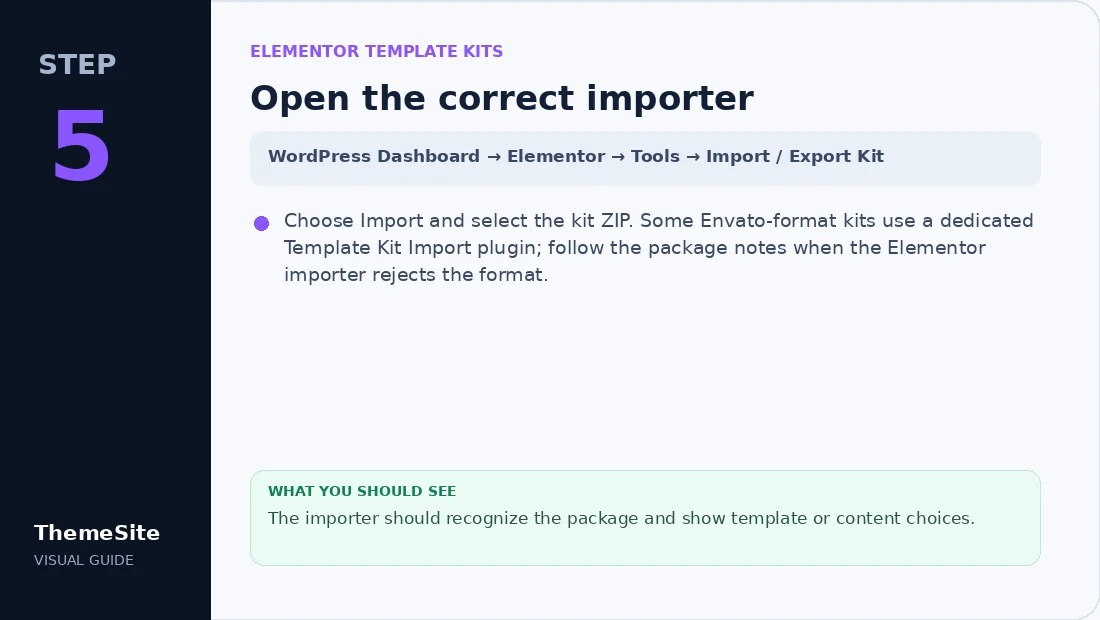
Step 5: Open the correct importer
Choose Import and select the kit ZIP. Some Envato-format kits use a dedicated Template Kit Import plugin; follow the package notes when the Elementor importer rejects the format.
Step 6: Import global styles before pages
Import colours, fonts and site settings first, then import page templates.

Step 7: Create WordPress pages
Create each required page and insert the matching imported template. Update the page after checking the layout.

Step 8: Set the homepage and menus
Choose A static page, select the imported Home page and save. Add important pages under Appearance → Menus.

Step 9: Check tablet and mobile
Open tablet and mobile previews. Check headings, images, spacing, buttons and forms.

What an Elementor Template Kit actually is
A Template Kit supplies designs, not a complete WordPress installation. Your theme, Elementor and required plugins provide the working foundation. Browse Elementor Template Kits or the Elementor Template Kit Bundle for design options.
If the kit will not import
- Confirm you selected the correct ZIP.
- Check that Elementor and required plugins are active.
- Increase the PHP upload limit when the ZIP is too large.
- Try the importer specified by the kit author.
- Check Elementor → System Info for server limitations.
- Import on staging when the live site already has global styles.
Final verification checklist
- Homepage loads without errors.
- Header and footer appear once.
- All pages are published.
- Forms send successfully.
- Buttons and menus use correct URLs.
- Tablet and mobile layouts are readable.
- Backup remains available until the site is approved.
Frequently asked questions
Is a Template Kit a WordPress theme?
No. It contains Elementor templates and works with a compatible WordPress theme.
Should I unzip the Template Kit before importing it?
Usually no. Import the original kit ZIP unless its documentation says an inner ZIP must be used.
Why is the imported page missing styles?
Global styles may not have been imported, or the kit may require fonts and helper plugins.
Can I import a kit on a live website?
You can, but staging and a full backup are safer because global settings may change.