Installing an SEO plugin is only the first step. A correct setup aligns titles, sitemaps, indexing rules, schema and redirects with the actual structure of the website, then verifies the result in search-engine tools.
Beginner visual action plan
The steps below turn the main advice into a simple process you can follow. Complete one step, check the expected result, and only then continue.
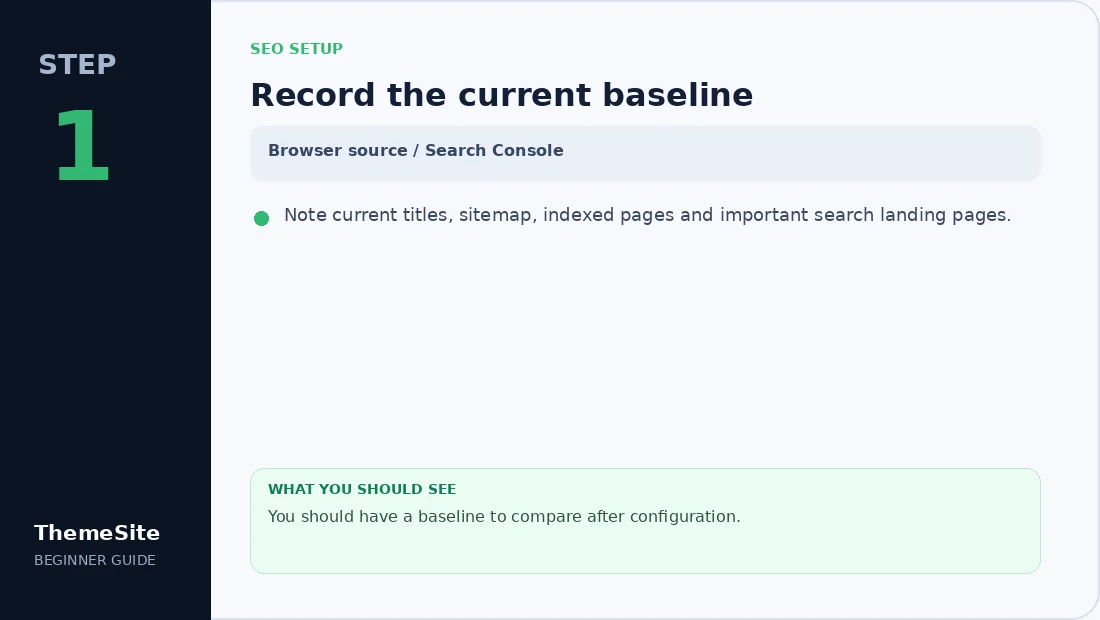
Step 1: Record the current baseline
Note current titles, sitemap, indexed pages and important search landing pages.
Step 2: Configure site identity
Set site name, organization details and templates for posts, pages and products.

Step 3: Review sitemap and indexing
Include useful content and exclude thin utility pages. Submit the sitemap in Search Console.

Step 4: Validate the output
Check canonical, robots, title, description and schema on several templates.

Create a baseline before changing settings
Record the current title tags, sitemap location, indexed pages and organic landing pages. This makes it easier to identify improvements or accidental losses after migration.
Configure titles and descriptions
Set sensible templates for posts, pages, products and categories, then write unique metadata for important landing pages. Avoid repeating the same commercial phrase on every page.
One option is SEOPress Pro, which combines metadata, sitemap, schema and redirect tools. Do not run it alongside another complete SEO suite.
Review indexing and sitemaps
Include useful public content in XML sitemaps and exclude thin utility pages such as internal search results. Confirm canonical URLs use the preferred HTTPS and hostname format.
Submit the sitemap in Google Search Console and inspect a sample of posts, products and categories. A submitted sitemap does not force indexing; it helps discovery.
Add appropriate structured data
Use Article schema for editorial content, Product schema for products and FAQ schema only when the visible page contains the same questions and answers. Validate important templates with a structured-data testing tool.
Redirects and broken links
Create a 301 redirect when an important URL moves permanently. Avoid long redirect chains, and monitor 404 reports for links from navigation, old campaigns and external websites.
Final SEO checks
- Confirm one indexable canonical URL per page.
- Check title and description length in context.
- Verify Open Graph images and social previews.
- Test robots.txt and sitemap access.
- Review category descriptions and internal links.
- Track impressions and clicks after launch.
Browse the broader WordPress Plugins collection when you need supporting tools for performance, forms and content workflows.
Frequently asked questions
Can I use two WordPress SEO plugins together?
Avoid running two full SEO suites because they can output duplicate metadata, sitemaps and schema.
Does an XML sitemap guarantee indexing?
No. It helps search engines discover URLs, but content quality, accessibility and canonical signals still matter.
Should tag and category archives be indexed?
Index archives that provide unique navigational value and useful descriptions. Thin or duplicate archives may be better excluded.
How often should SEO settings be reviewed?
Review after major theme, URL, content or plugin changes and periodically as the site grows.