Elementor Pro Website Building Guide: Theme Builder, Forms and Popups
in How To’s, Plugins, Web Design, Website Building, WordPress on August 28, 2026Elementor Pro extends the visual editor with Theme Builder, forms, popups, dynamic content and WooCommerce tools. The best results come from creating a consistent design system first, then using Pro features only where they solve a real template or conversion need.
Beginner visual action plan
The steps below turn the main advice into a simple process you can follow. Complete one step, check the expected result, and only then continue.
Step 1: Set global design styles
Define colours, fonts, spacing and buttons before designing pages.

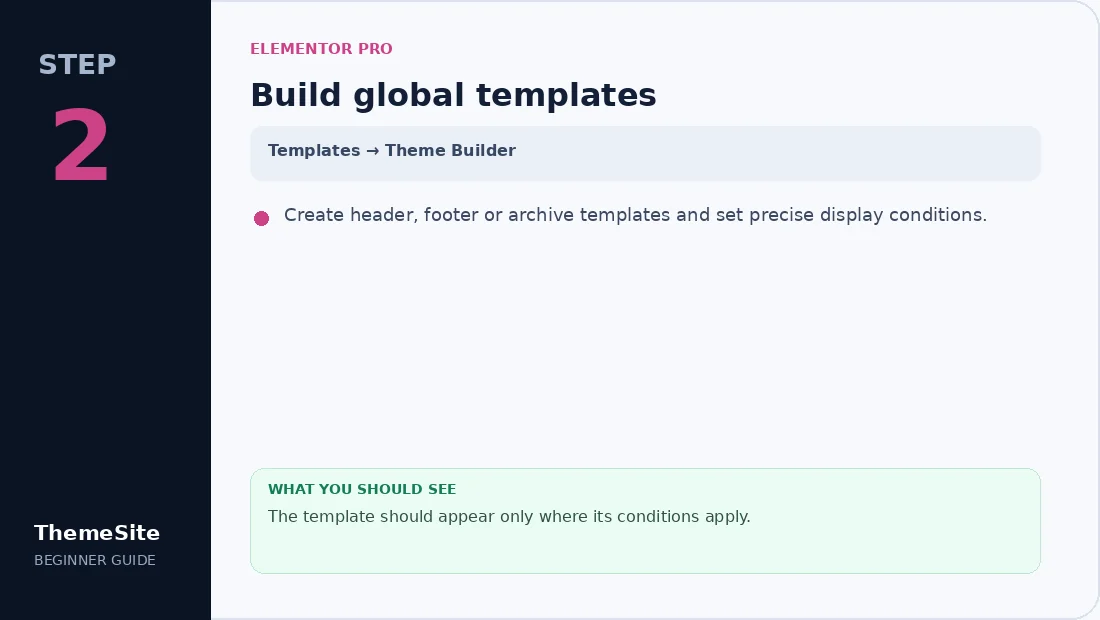
Step 2: Build global templates
Create header, footer or archive templates and set precise display conditions.
Step 3: Configure forms and popups
Add only required fields, set email actions and choose sensible popup triggers.

Step 4: Run responsive QA
Check desktop, tablet and mobile; test navigation, forms and WooCommerce states.

Begin with a design system
Set global colours, type scales, spacing and button styles before building individual pages. Consistent tokens reduce repetitive editing and make future rebranding safer.
Use Theme Builder for global templates
Theme Builder can control headers, footers, single posts, archives and other supported templates. Define display conditions carefully so two templates do not compete for the same page.
Build forms around a clear action
Keep fields limited to information the business will actually use. Configure recipient addresses, confirmation messages, spam controls and a reliable mail-delivery method. Test submissions on desktop and mobile.
Use popups responsibly
Create popups for a defined purpose such as a lead magnet or announcement. Set frequency and exit conditions so returning visitors are not interrupted on every page.
WooCommerce and dynamic content
Pro widgets can customize product and shop templates, while dynamic tags connect fields to reusable layouts. Always test variable products, out-of-stock states, cart messages and checkout separately.
Choose the right Elementor resources
Review the Elementor Pro License for account-based activation guidance. For page design starting points, browse Elementor Template Kits or the lifetime Template Kit Bundle.
- Enable only required widgets.
- Compress background images.
- Limit motion effects.
- Check tablet and mobile controls independently.
- Keep staging backups before global template changes.
Frequently asked questions
Does Elementor Pro replace a WordPress theme?
No. WordPress still needs a theme, although Theme Builder can replace many visible theme templates.
Can I use Elementor Template Kits with Pro?
Yes, and some kits specifically require Pro widgets or Theme Builder.
Should I install several Elementor addon plugins?
Install only addons with required widgets and avoid overlapping packs that increase editor complexity.
Why do Elementor emails sometimes fail?
The form may submit correctly while server email delivery fails. Use authenticated SMTP or a transactional mail service and test delivery logs.